

Context engineering is the practice of deciding what information an AI model sees at each step: instructions, retrieved documents, tool results, memory, and conversation history. In enterprise AI, it is often the difference between a demo that impresses and a system that stays reliable.
Many failures that look like model problems are context problems. The wrong document is retrieved, a policy is out of date, a long history buries the instruction, or the model sees data the user should not.
This guide explains what context engineering is, how it differs from prompt engineering and RAG, the core techniques, and what enterprises need to add: permissions, freshness, governance, cost control, and testing.
Context engineering is curating what enters the model's context window at every step. Prompt engineering is one part of it.
Four moves cover most techniques: write context out of the window, select what comes in, compress what is there, and isolate work in separate contexts.
Enterprises add five requirements: permission-aware retrieval, fresh data, governance, cost control, and clear ownership.
Reliability comes from testing context itself, not only the final answers.
What Is Context Engineering?
Context is everything the model can see when it generates a response. Context engineering is the discipline of choosing, structuring, and maintaining that information.
System instructions that set role, rules, and tone
Tool definitions that tell the model what it can do
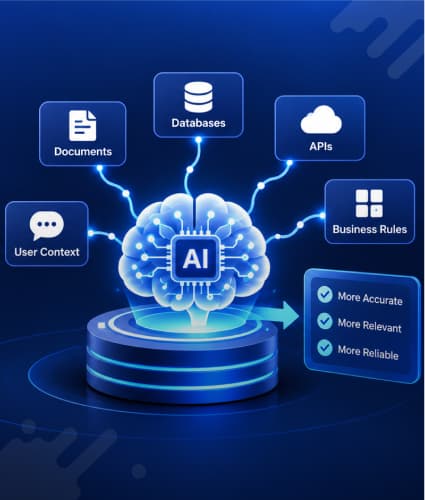
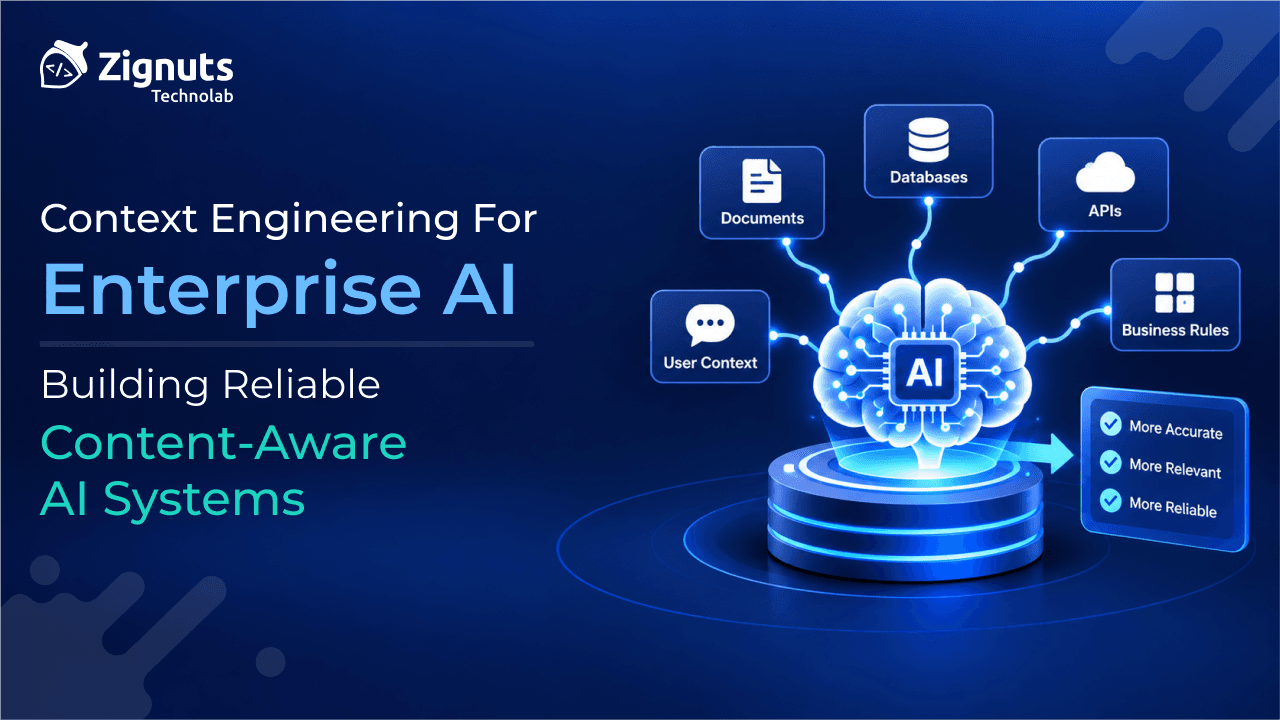
Retrieved knowledge from documents, databases and APIs
Memory, both within a session and across sessions
Conversation history and the results of earlier tool calls
Examples that show the expected behavior and output format
Every item competes for the same limited attention. Context engineering decides what gets in, in what form, and when it leaves.
How it differs from prompt engineering and RAG
Dimension | Prompt engineering | RAG | Context engineering |
|---|---|---|---|
Question it answers | How should I word the instruction? | Which documents should the model see? | What should the model see at each step, and what should it not? |
Scope | Instructions and examples | Retrieval of external knowledge | Everything in the window, from instructions to memory and tool results |
When it happens | Mostly at design time | At query time | At every step of every run |
What you build | A prompt template | A retrieval pipeline | A context pipeline with rules for assembly, compression, and memory |
Typical failure | Vague or brittle instructions | Wrong or missing documents | Noisy, stale or conflicting context, leaked data and runaway cost |
Prompt engineering and RAG are parts of context engineering, not rivals to it. If you are new to either, start with our guides to what prompt engineering is, our prompt engineering guide, and RAG in AI.
Why Context Breaks in Production
It is tempting to wait for larger context windows. Anthropic argues that, for the foreseeable future, windows of every size will still suffer from context pollution and relevance problems. It describes models as having an attention budget: each added token uses some of it, and recall of earlier information gets less reliable as the window fills. The same post points to research on context rot that documents this effect.
In practice, that shows up as a handful of recurring failures. Practitioners often group the first four as poisoning, distraction, confusion, and clash (see LangChain's context engineering guide). Enterprises add two more.
Failure | What it looks like | Typical cause |
|---|---|---|
Context rot | Accuracy drops as sessions and documents pile up | Long histories, pasted documents, and unpruned tool output |
Poisoning | A wrong detail, such as an invented figure, is stored and reused | Memory writes and summaries that are never validated |
Distraction | The model repeats earlier steps instead of doing the current task | Too much history and repetitive logs |
Confusion | Irrelevant tools or documents steer the answer | Bloated tool sets and loose retrieval |
Clash | Two sources disagree, and the model picks one at random | An old and a current policy both retrieved |
Leakage | The model sees data the user should not | Retrieval that ignores permissions |
Cost and latency creep | Every step carries thousands of unneeded tokens | No token budget, caching, or compression |
None of these is fixed by a better prompt. They are fixed by controlling what enters the window, which is why the next section covers the techniques.
Ready to Build More Reliable Enterprise AI?

Core Context Engineering Techniques: Write, Select, Compress, Isolate
LangChain's four-part framing covers most techniques in use today. The guiding principle, in Anthropic's words, is to find the smallest set of high-signal tokens that makes the desired outcome most likely.
Move | What it means | Enterprise examples | Watch out for |
|---|---|---|---|
Write | Save information outside the window so it persists | Task notes, progress files, long-term memory stores | Unvalidated writes and sensitive data in memory |
Select | Bring in only what is relevant | RAG, tool selection, just-in-time lookups, example selection | Retrieval quality, permissions and freshness |
Compress | Shrink what is already in the window | Summarizing history, clearing old tool results, trimming documents | Dropping a detail that matters later |
Isolate | Split work across separate contexts | Sub-agents with clean windows, sandboxed tool output | Coordination overhead |
Write: give the agent memory outside the window
Structured note-taking, sometimes called agentic memory, means the agent regularly writes notes to storage outside the context window and reads them back later. Anthropic's example is a simple to-do list or notes file that lets an agent keep track of progress across dozens of tool calls. In an enterprise, treat that store like any other data system, with access control, validation, and retention rules.
Select: retrieve what is relevant, when it is needed
Most enterprise systems pre-fetch with RAG. Anthropic describes a complementary "just in time" approach in which agents keep lightweight references, such as file paths or stored queries, and load data through tools only when needed. The trade-off is that runtime exploration is slower than pre-computed retrieval, and Anthropic suggests a hybrid, with some data loaded up front and the rest fetched on demand. For the retrieval layer itself, see our vector database guide and enterprise RAG development guide.
Selection also applies to tools. A bloated tool set is one of the most common failure modes Anthropic sees: if a human engineer cannot say which tool fits a situation, the agent will not do better.
Compress: keep long runs coherent
Compaction summarizes a conversation that is nearing its limit and starts a fresh window from the summary. Anthropic recommends tuning it on real agent traces, first maximizing recall, then trimming for precision. One of the safest light-touch forms is clearing old tool results that the agent no longer needs.
Isolate: give each task a clean window
In a sub-agent design, specialized agents handle focused tasks in their own windows and return a condensed summary to a lead agent. Anthropic reports that each sub-agent may use tens of thousands of tokens but returns often only 1,000 to 2,000. Frameworks such as LangGraph support these patterns (see LangChain vs LangGraph).
Alongside these four, keep system prompts at the right altitude: specific enough to guide behavior, flexible enough not to become brittle if-else logic.
Reference Architecture: An Enterprise Context Layer
The model should not decide on its own what it sees. Put a context layer between each task step and the model, and make it the only route by which data, memory, and tool output reach the window.
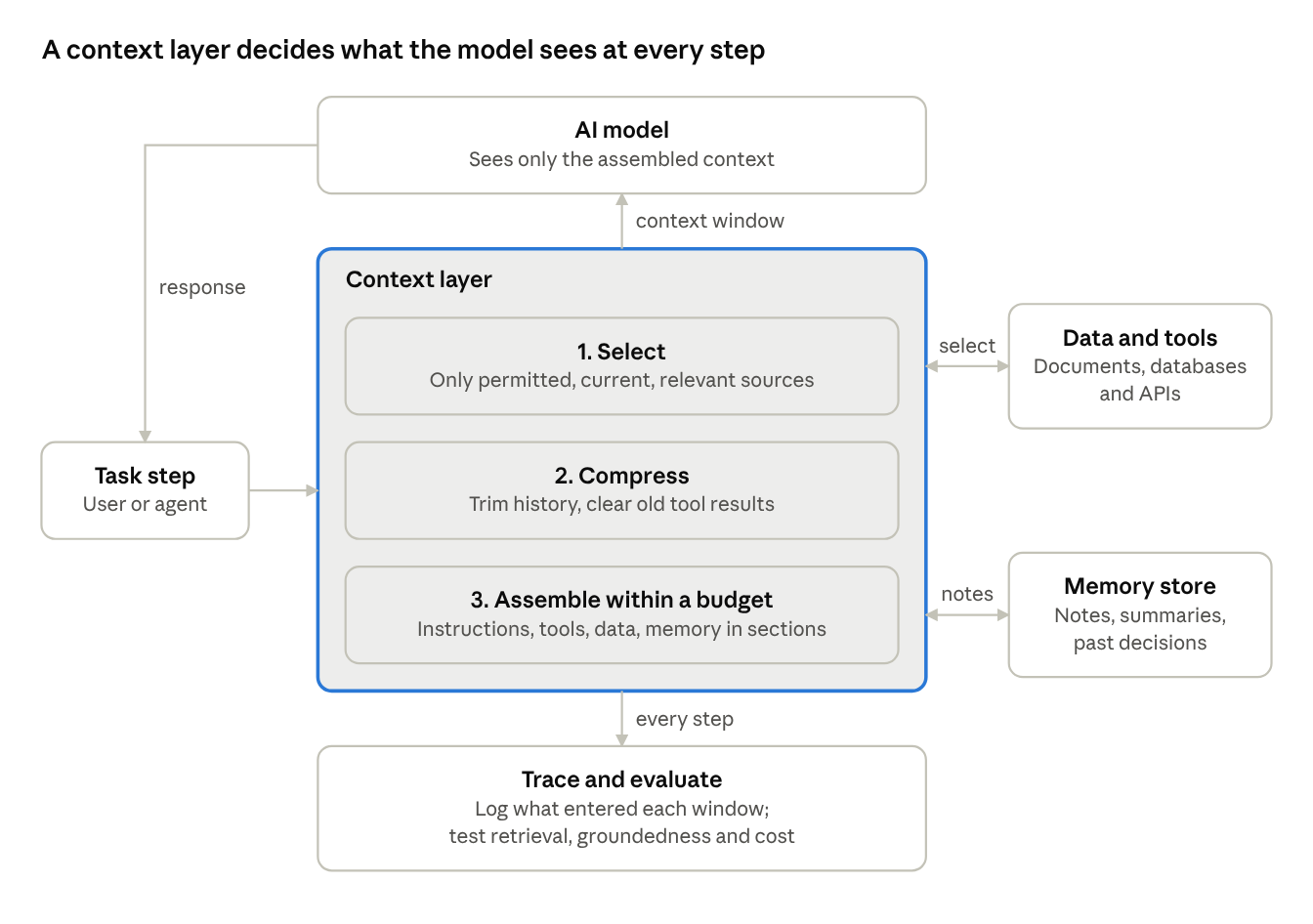
enterprise context layer · select, compress, assemble, memory, trace
When a user or agent step arrives, the context layer selects only permitted, current, and relevant sources from your data and tools, compresses what is already there, and assembles the result inside a token budget, with instructions, tools, data, and memory in clear sections. The model sees only that assembled context. Notes and summaries go to a memory store for later steps, and every step is traced so you can test and diagnose it.
Because the layer owns selection, compression, and memory, you can change models, retrieval tools, or compaction rules without redesigning the rest of the system.
Ready to Build More Reliable Enterprise AI?
What Enterprises Must Add: Permissions, Freshness, Governance and Cost
The general techniques above come from open guidance for agent builders. Enterprise systems need five more controls, and they are where many pilots stall.
1. Permission-aware retrieval
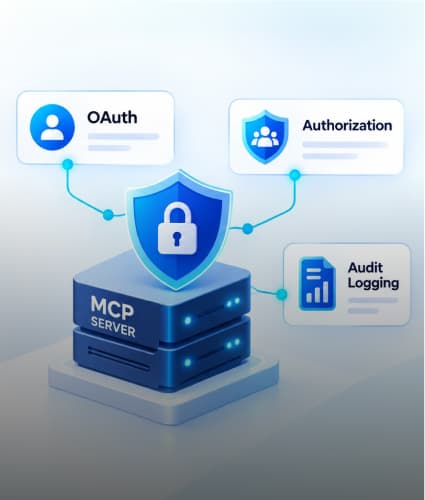
The model cannot unsee what is in its window, so access control has to happen before retrieval results reach it. Carry each user's entitlements into retrieval, through document-level permissions in the index or a check at query time, rather than asking the model to withhold things. If agents reach data through tools, secure those connections as well; see securing MCP servers in the enterprise.
2. Freshness and versioning
Stale context produces confident wrong answers, and two versions of a policy in one window produce clashes. Sync from the source of truth, propagate updates and deletions into the index, and store effective dates and version metadata so retrieval can prefer the current document.
3. Governance and provenance
Record which sources entered the context for each answer, so you can explain and audit it. Redact personal data before it reaches the window or memory, set retention rules for stored memory, and treat retrieved content and tool output as untrusted input that may carry injected instructions.
4. Cost and latency control
Every step of an agent run carries context, so tokens add up quickly. Set a token budget per step and per run, trigger compaction at a defined threshold, reuse stable context where your provider supports caching, and track cost per completed task rather than per call.
5. Clear ownership
Treat the context pipeline as a product with an owner. Version prompts, retrieval settings, and compaction rules like code, review changes, and test them before release.
How to Measure and Test Context Quality
Test the context, not just the answer. When a response is wrong, the useful questions are whether the right information was in the window, whether the wrong information was, and whether anything was there that should not have been.
Metric | What it tells you | How to measure it |
|---|---|---|
Retrieval precision and recall | Whether the right sources entered the window | A labeled question set with the expected sources for each |
Groundedness | Whether the answer is supported by the supplied context | Human review or a judge model, checked against cited sources |
Token efficiency | How much of the window was useful | Tokens per task, and the share of tokens from sources actually used |
Permission correctness | Whether any unauthorized content reached the model | Test users with restricted roles, with zero tolerance for leaks |
Task success rate | Whether the agent finished the job | End-to-end test tasks with clear pass or fail rules |
Cost and latency per task | Whether the pipeline is affordable at scale | Trace-level totals of tokens and time |
Three practices make these metrics useful:
Build a golden set from real questions and keep adding the cases that failed in production.
Run regression tests on every change to prompts, retrieval settings, memory, and compaction rules.
Trace every run, recording what entered the window at each step, so you can diagnose a failure after the fact.
Our guide to testing AI chatbots, LLMs and RAG covers test design in more detail.
Ready to Build More Reliable Enterprise AI?
A Roadmap to Reliable Context-Aware AI Systems
Map the context. For one use case, list everything that enters the window today: instructions, tools, retrieved data, memory, and history. Note the size and source of each.
Find the failures. Review real failed answers and mark whether the cause was missing, wrong, stale, conflicting, excessive, or unauthorized context.
Fix retrieval and permissions first. Make sure the right, current, permitted sources reach the model before you tune anything else.
Trim and structure. Cut tool sets to the minimum, keep prompts at the right altitude, and clear old tool results.
Add memory and compaction for long runs. Introduce notes, summaries, or sub-agents only where tasks outgrow a single window.
Test and monitor. Build the golden set, add regression tests, and trace every run in production.
Before you ship an agent, confirm that
you can list exactly what entered the context for any answer
retrieval respects each user's permissions
stale or superseded documents are removed from the index
there is a token budget and an alert when a run exceeds it
someone owns the context pipeline and reviews changes
Conclusion: Reliability Comes from What the Model Sees
Better models help, but enterprise AI is only as reliable as the context it is given. Treat context as a finite resource, control what enters it with write, select, compress, and isolate; add permissions, freshness, governance, and cost control, and test the context itself, not just the final answers.
Zignuts helps enterprises design and build context-aware AI systems, as an OpenAI, Anthropic (Claude), and AWS partner. Explore our RAG development services and enterprise prompt engineering services, check where you stand with the AI readiness assessment, or request a project estimate.

Divyesh Patel
A passionate problem solver driven by the quest to build seamless, innovative web experiences that inspire and empower users.