

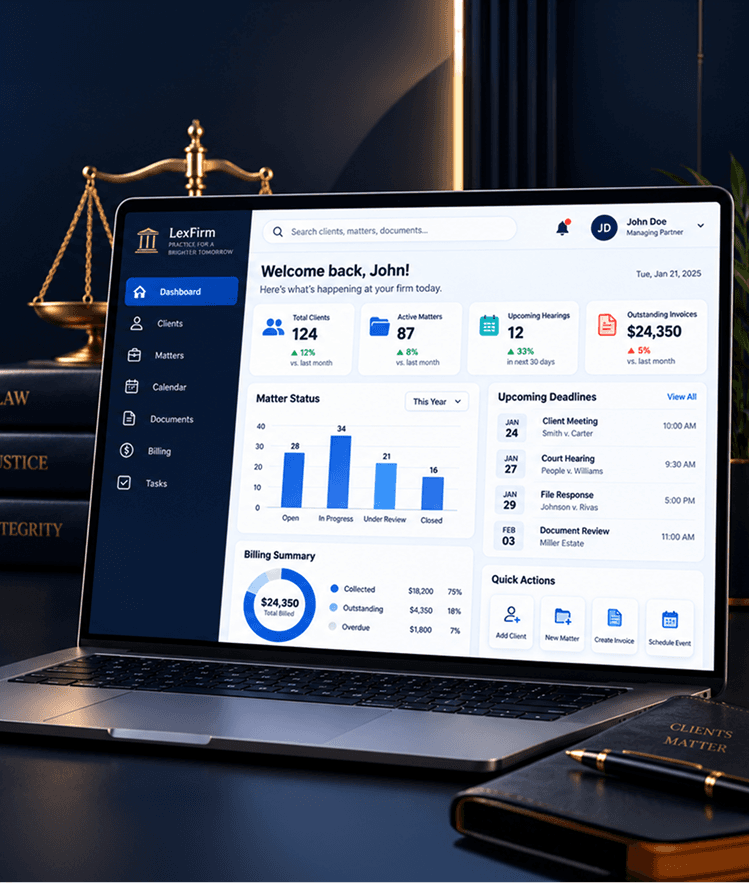
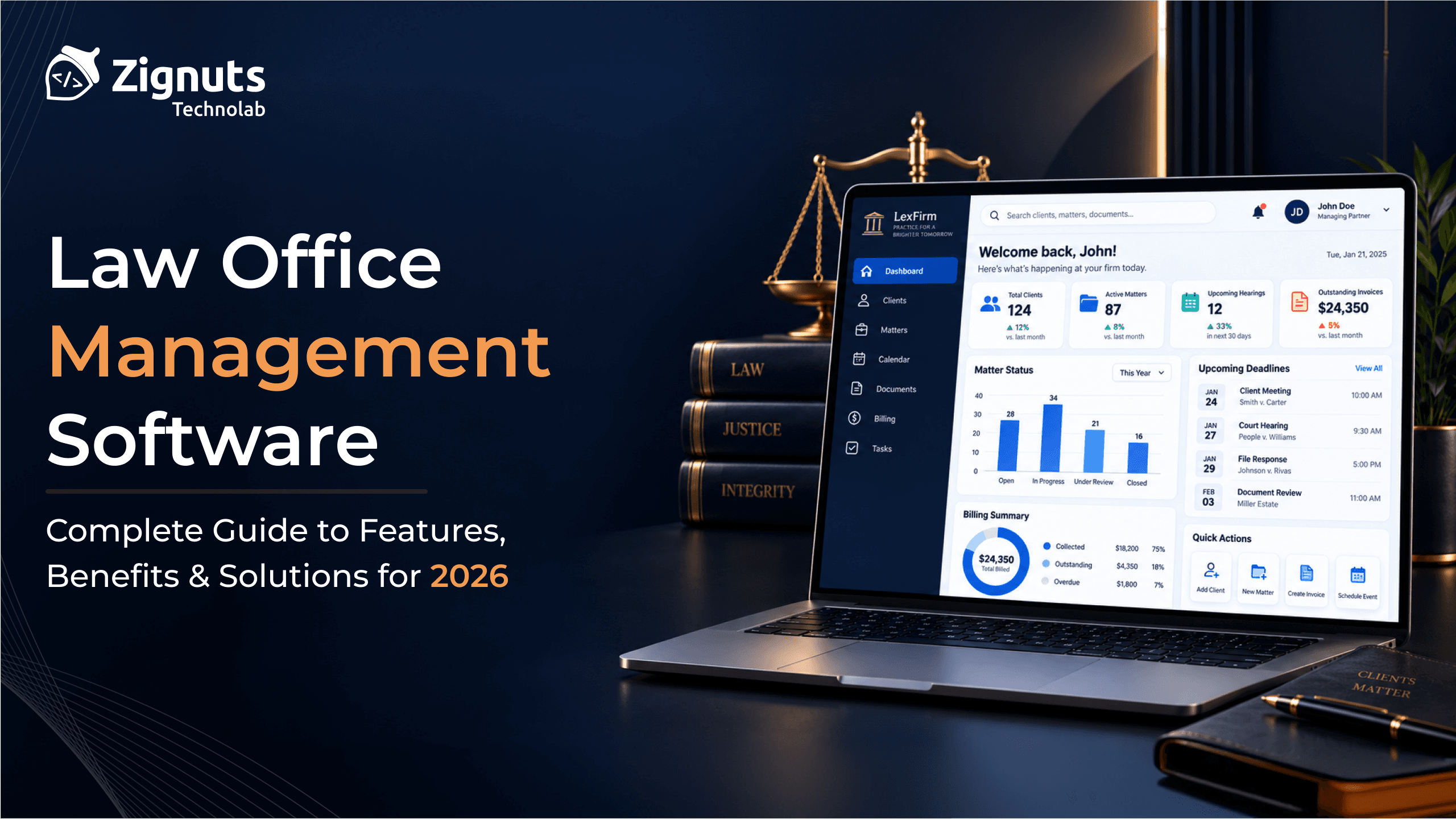
Law firms manage more than cases. Teams handle clients, matters, documents, deadlines, billing, payments, and reports. Law office management software brings these tasks into one system.
For firms seeking software for law firms or law firm accounting software, one key question is simple. Can the software connect legal and financial work in one system?
Introduction
Definition of Law Office Management Software
Law office management software helps teams manage clients, cases, matters, documents, tasks, deadlines, billing, and financial records.
A firm may use case management software for cases. Larger firms can use practice management software and matter management software.
Role of Accounting Software in Law Management
Law firm accounting software helps manage invoices, payments, expenses, time records, and reports.
It works best when linked to case and matter data.
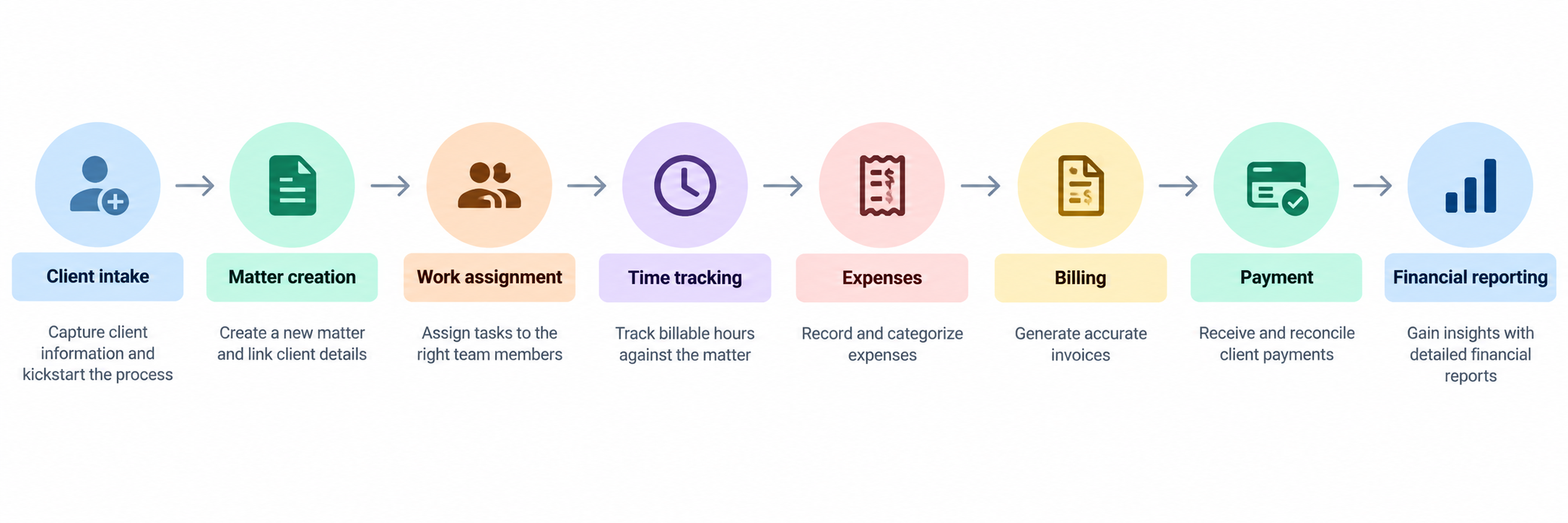
Client intake → Matter creation → Work assignment → Time tracking → Expenses → Billing → Payment → Financial reporting
Separate systems may force staff to enter data more than once. An integrated system can link activity to each matter.
For complex billing, legal billing software can manage time, invoices, billing rules, and collections.
Benefits of Law Firm Accounting Software
Efficiency and Time Savings
Legal teams spend time on data entry, invoices, documents, deadlines, and follow-ups. Software can automate many of these tasks.
It can create matters, assign tasks, track time, create invoices, and update payment status.
Legal workflow automation can move work from a new matter to review and billing with fewer manual steps.
Improved Billing and Payments
Connected billing makes the path from work to payment easier:
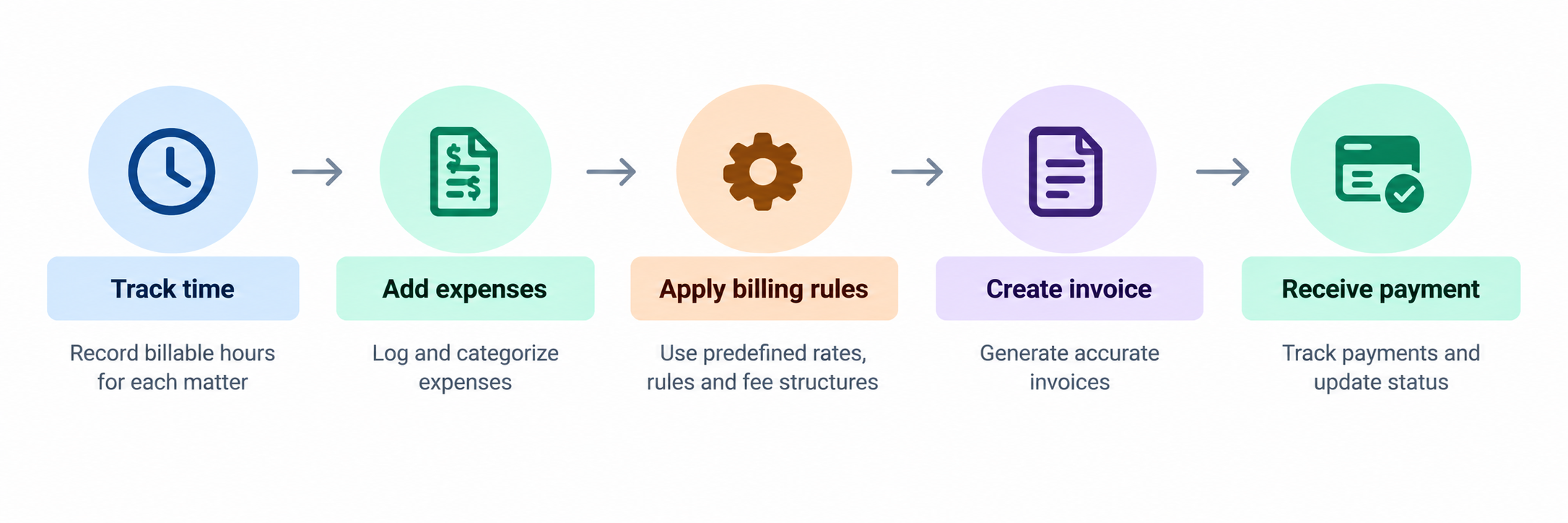
Track time → Add expenses → Apply billing rules → Create invoice → Receive payment
This can improve billing control.
Enhanced Financial Tracking
Firms may track revenue, unpaid invoices, and unbilled work with legal analytics platforms.
Features to Look for in Law Firm Software
Legal Workflow Automation
Modern legal workflow software can automate intake, conflict checks, matter creation, document requests, approvals, billing, and matter closure.
Legal workflow automation software can use rules, tasks, alerts, and approvals.
For unique processes, legal workflow platform development can offer more control.
Integration with Case Management Software
Case management software for law firms can centralize client details and case data. It can also centralize tasks, deadlines, documents, hearings, billing records, evidence, and notes.
Firms may also use litigation management software or court case management software.
Customization Options
Every legal organization has different workflows. Good software should support custom fields, workflows, roles, reports, billing rules, and integrations.
Custom software can fit the firm's process instead of forcing teams into a fixed system.
Comparing Legal Software Solutions
Overview of Leading Software Categories
Legal software includes practice management, case management, accounting, billing, document management, workflow automation, CRM, and analytics.
Firms can also use legal CRM software, legal client portal development, and legal document management software.
Comparison Chart of Features and Pricing
Feature | Basic Tool | Practice Platform | Custom Platform |
|---|---|---|---|
Accounting | ✓ | ✓ | ✓ |
Case Management | Limited | ✓ | ✓ |
Billing | ✓ | ✓ | ✓ |
Workflow Automation | Limited | ✓ | ✓ |
Document Management | Limited | ✓ | ✓ |
Analytics | Basic | Advanced | Custom |
Integrations | Moderate | Extensive | Custom |
Customization | Low | Medium | High |
Recommendations and Best Practices
Implementation Strategies
Map the workflow:
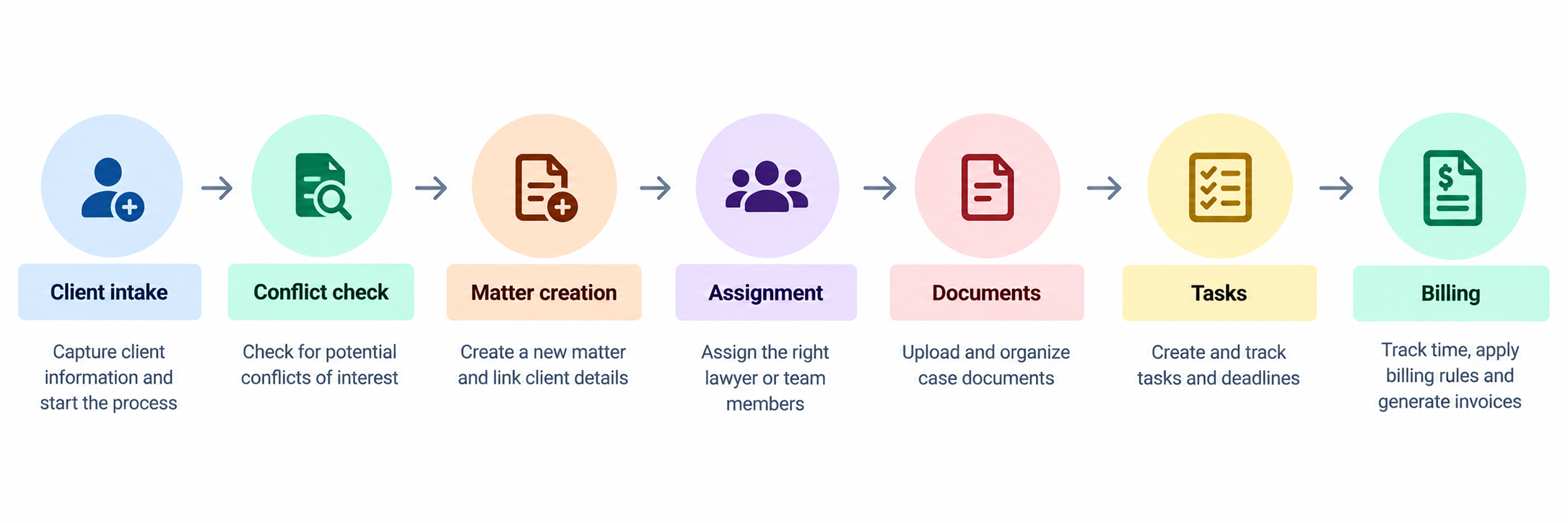
Client intake → Conflict check → Matter creation → Assignment → Documents → Tasks → Billing
Then clean old data, remove duplicate work, connect key systems, and automate high-value tasks.
Training and Support for Legal Teams
Training should match each role. Lawyers need case and deadline tools. Finance teams need billing tools. Legal operations teams need workflows, analytics, permissions, and integrations.
When Should a Law Firm Consider Custom Software?
Custom development can make sense for unique workflows, complex integrations, automation, AI features, or legacy systems.
A custom platform can connect:
Clients → Intake → Matters → Cases → Documents → Tasks → Billing → Payments → Analytics
Zignuts Legal Case Management Software
Zignuts built a legal case management solution. It combines case tracking, documents, workflow automation, hearing schedules, and team collaboration in one system.
Reported results include 65% faster administrative workflows, 50,000+ cases managed, 80% better document organization, and 3× faster case updates.

Explore Zignuts Legal Case Management Software →
Firms seeking a broader system can also explore legal practice management software development.
Conclusion
Recap of the Best Software
The best law office management software fits the firm's workflow. It can connect cases, matters, documents, workflows, billing, accounting, and analytics.
Final Thoughts on Investment in Accounting Software
For standard needs, an existing platform may be enough. For complex needs, custom legal software may offer more control and scale.
The goal is simple: help legal teams work faster and reduce manual work.

Deep Mistry
Digital Marketing Enthusiast | Diving into the world of trends, tools, and strategies, sharing discoveries that help create impactful online experiences.